 01
01
Live records
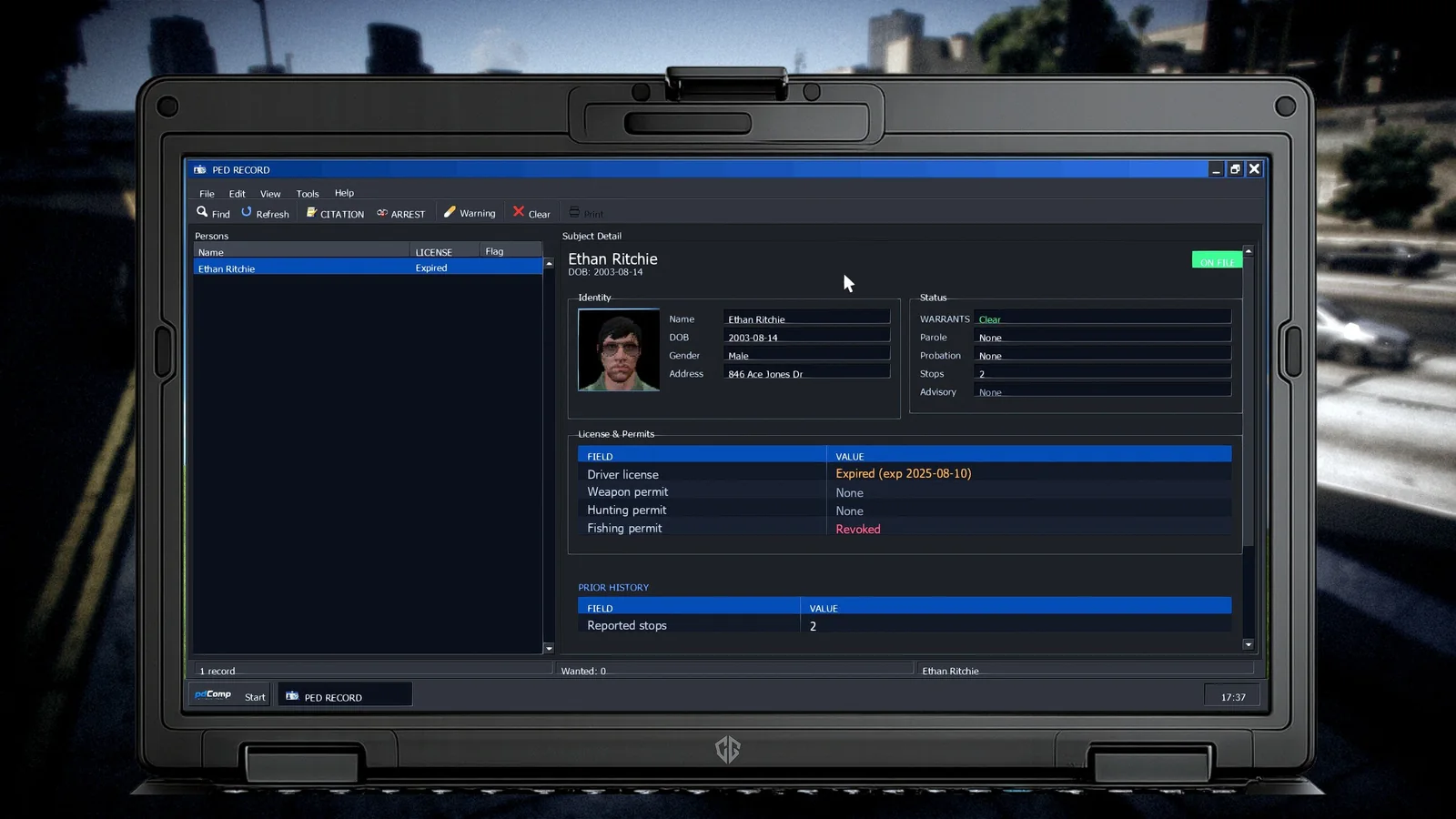
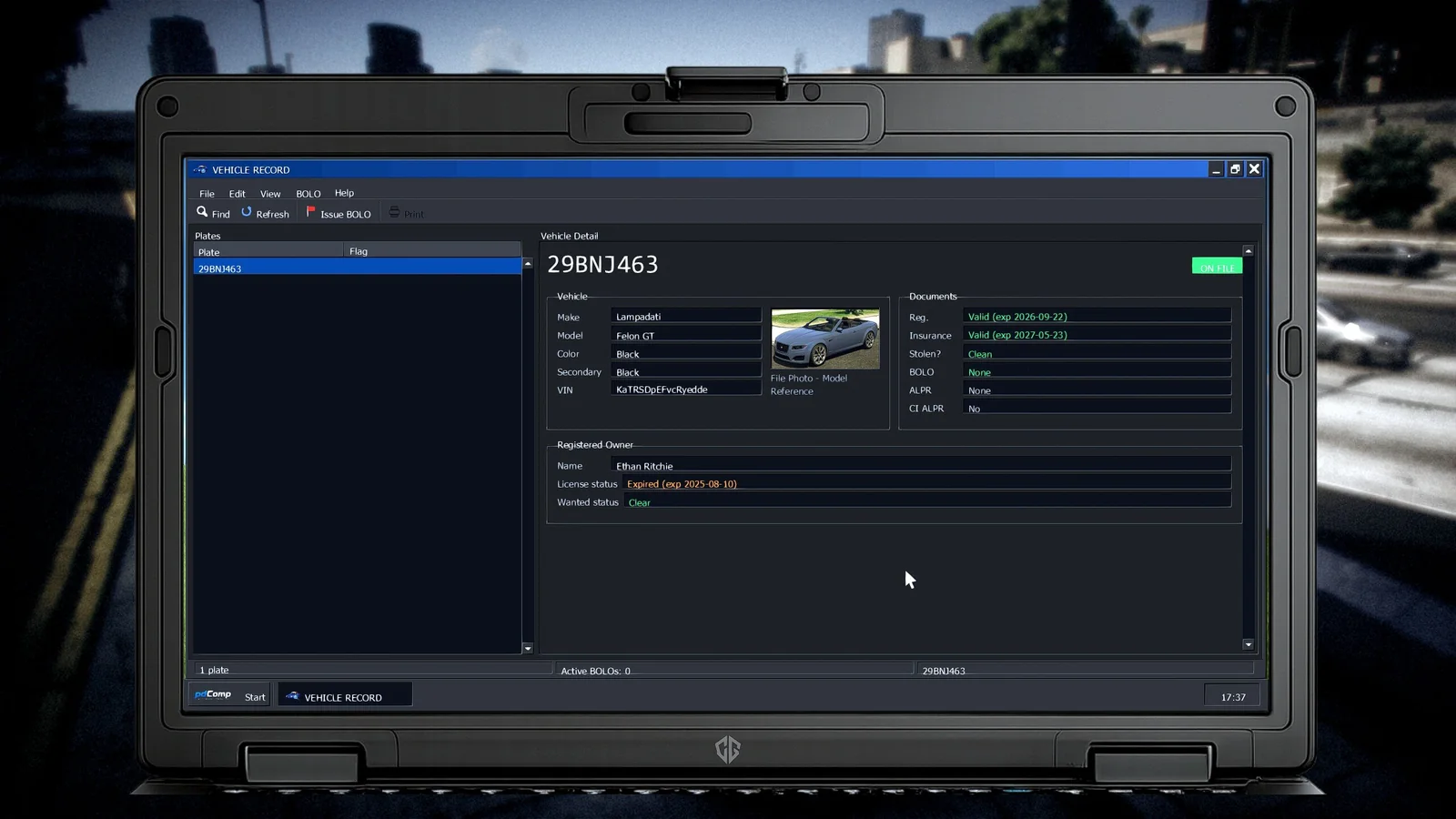
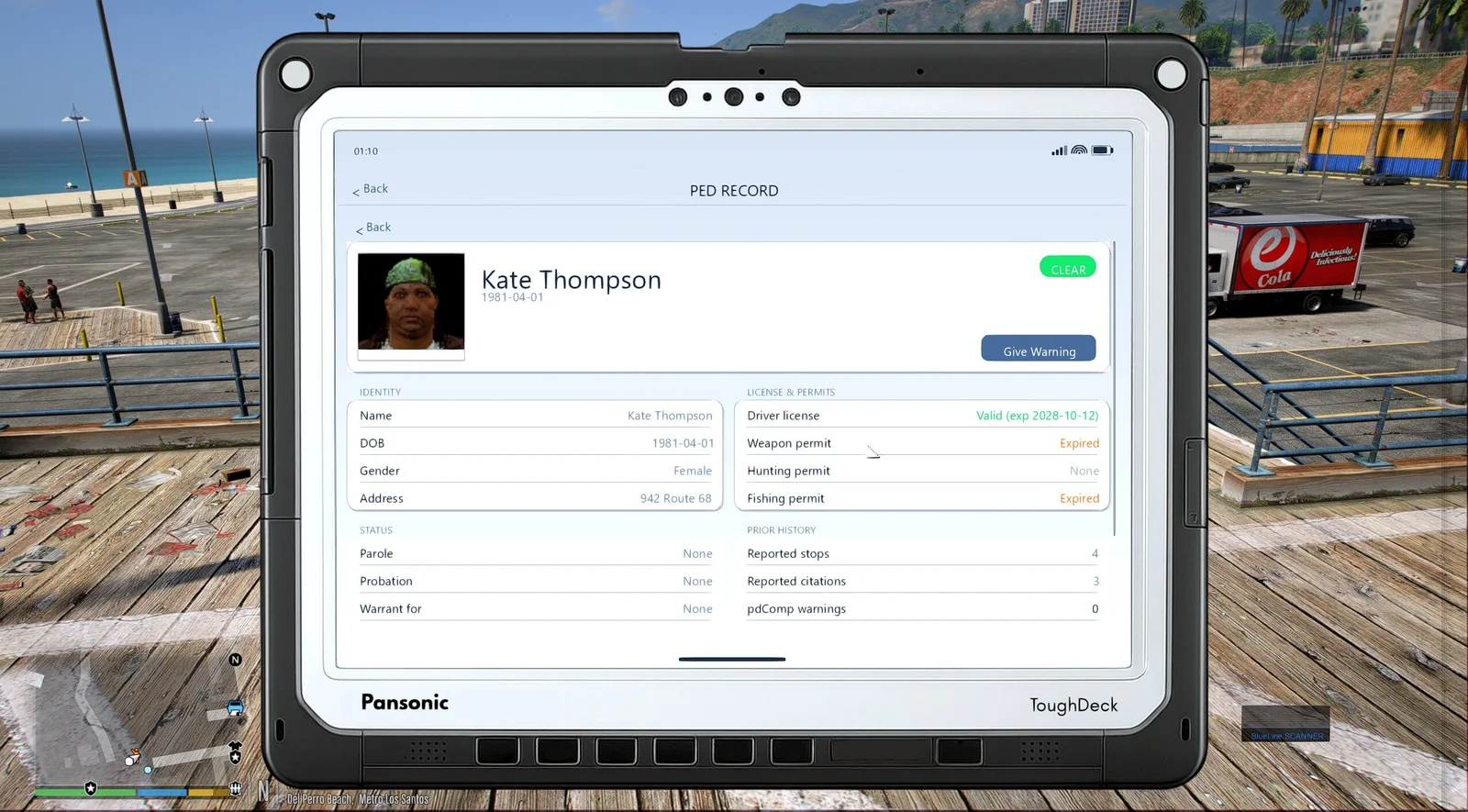
Look up people and vehicles through PR/CDF or Stop The Ped. Check license and document status, warrants, permits, prior contacts, mugshots, tagged plates, and safety notes.

Run a plate, check a driver, file the paperwork, and follow the case to court. It all happens inside GTA V.


pdComp uses either Policing Redefined/CDF or Stop The Ped for its records and runs through RAGE Plugin Hook.
What pdComp handles
People, vehicles, evidence, and reports stay tied to the current call, so you do not have to enter the same details twice.
01
Look up people and vehicles through PR/CDF or Stop The Ped. Check license and document status, warrants, permits, prior contacts, mugshots, tagged plates, and safety notes.
 02
02
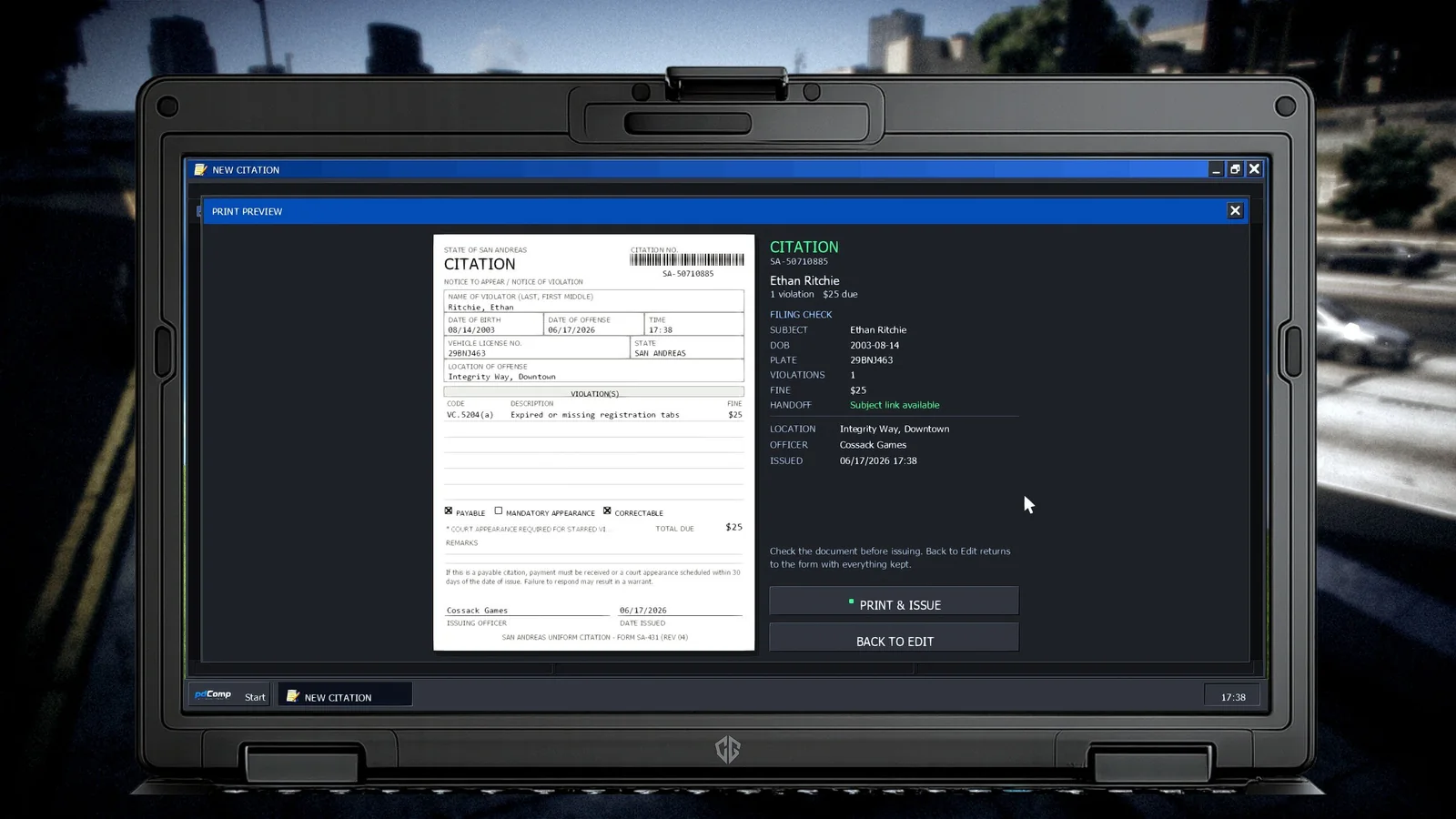
Write citations, arrest reports, incident reports, use-of-force reports, crash reports, damage reports, and death reports. Review the finished document before you file it.
 03
03
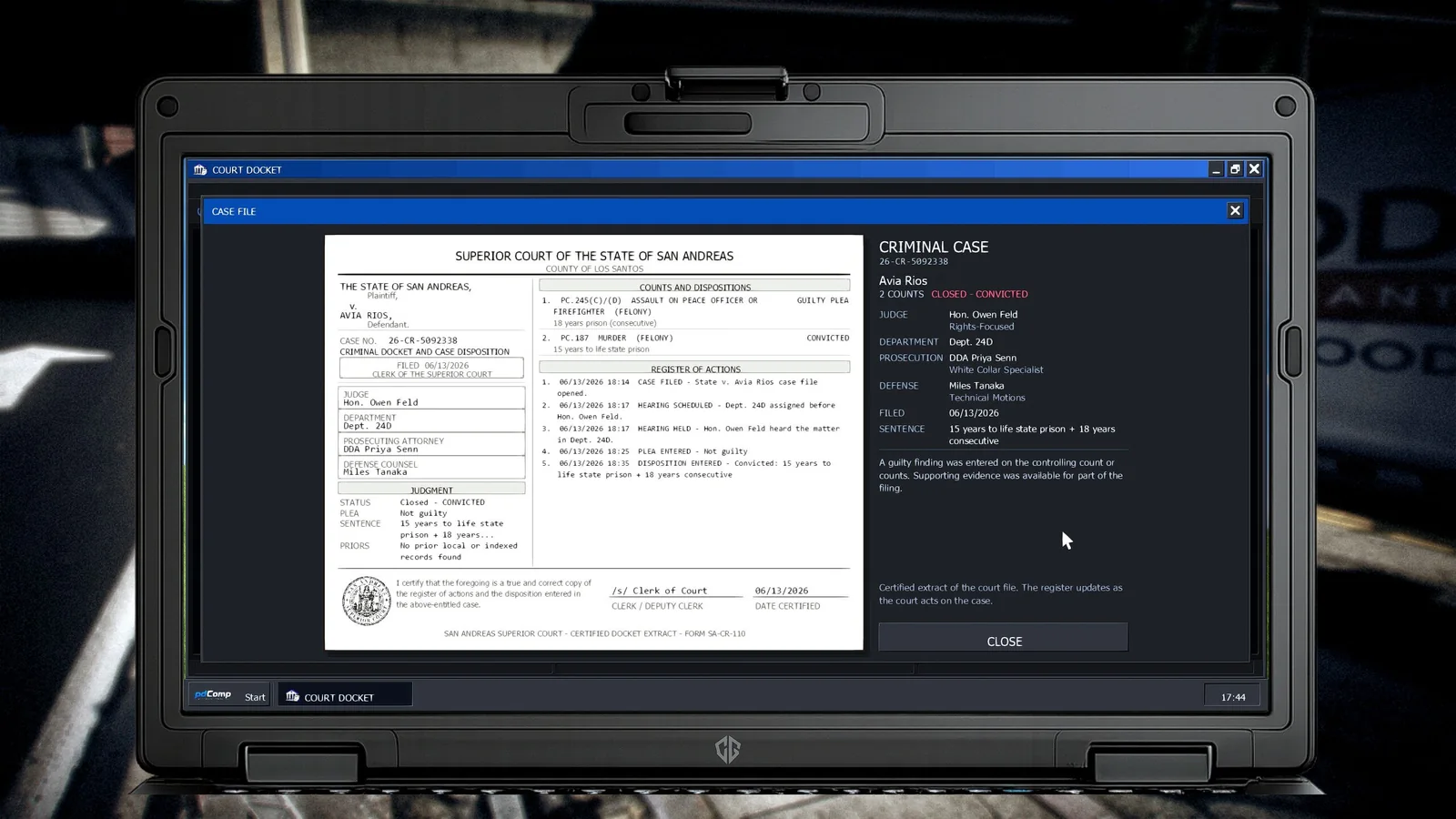
Attach discovered evidence to the right arrest charge, then see how the case moves through pleas, hearings, verdicts, sentencing, probation, and appeals.
 04
04
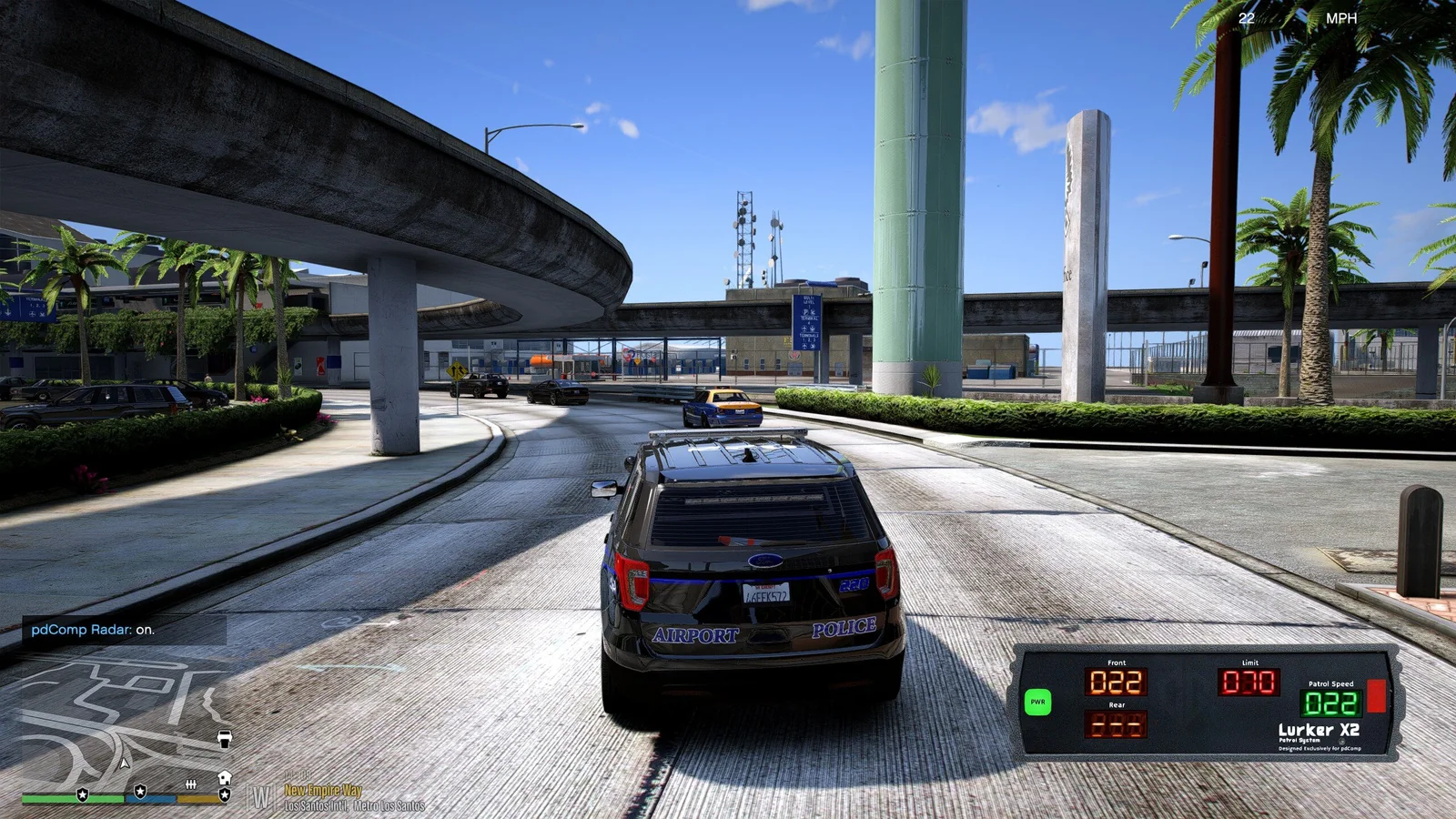
Use the built-in ALPR and speed radar, create BOLOs that stay active between calls, and keep live callout activity and the hot sheet close at hand.
See the real thing
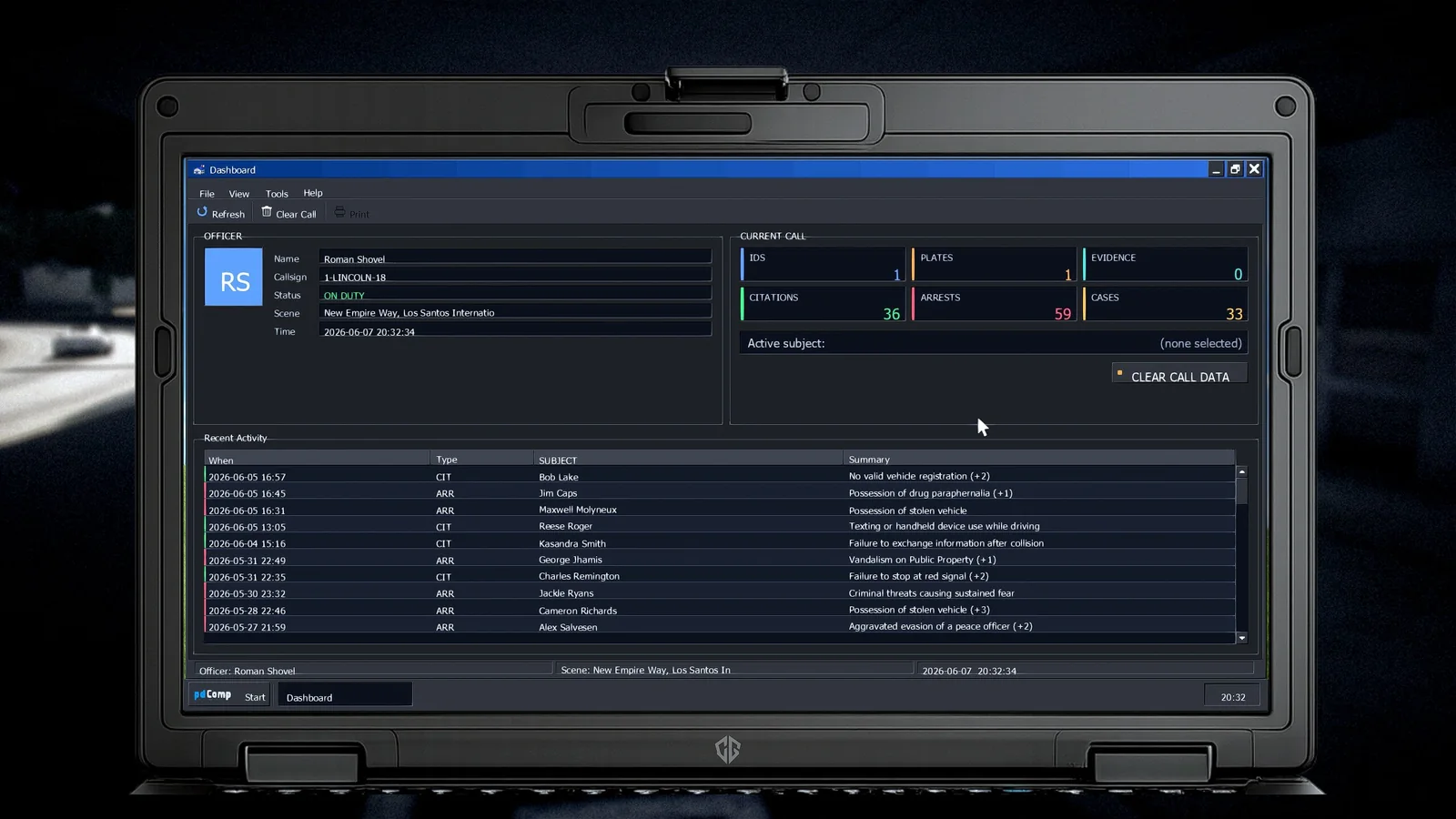
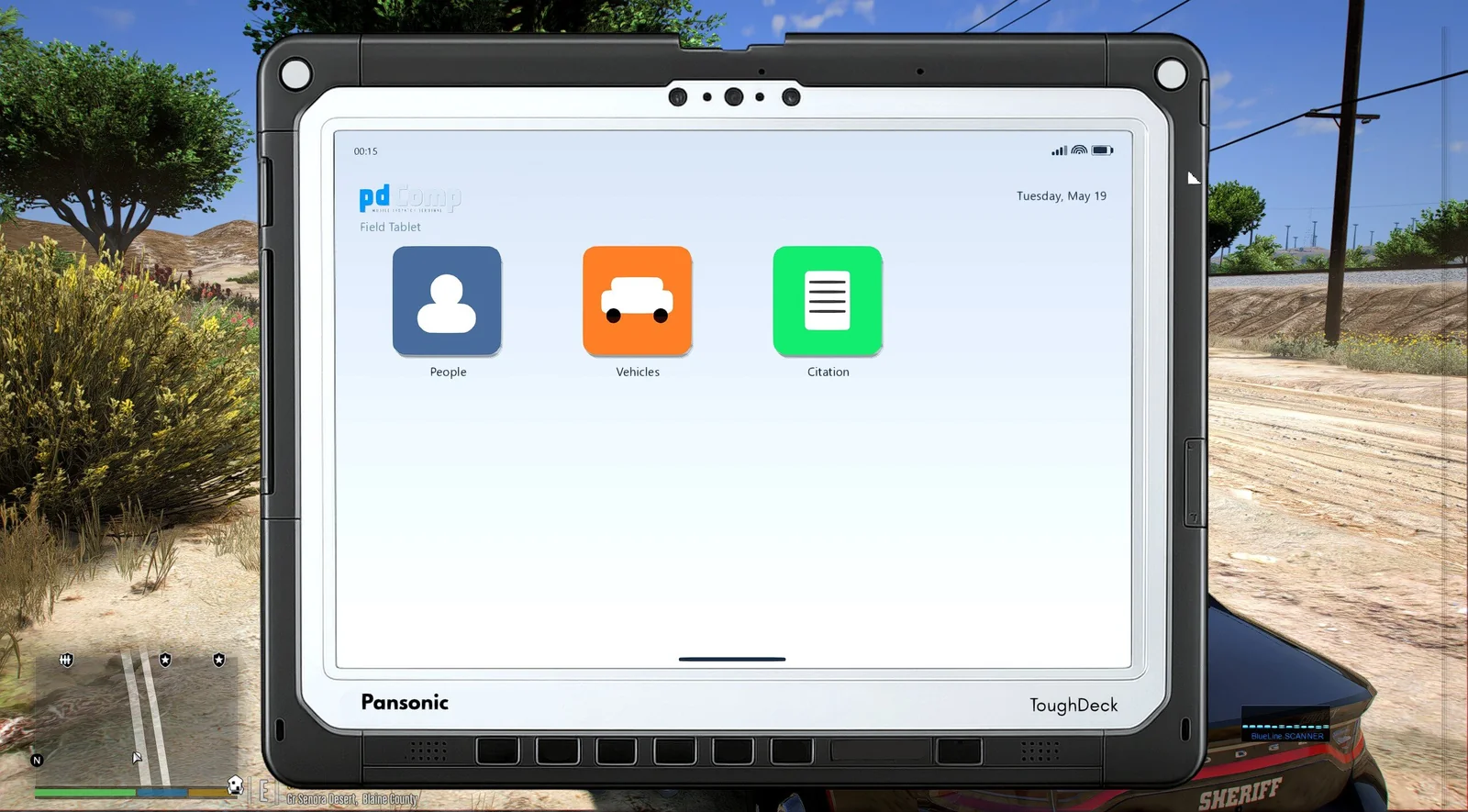
No concept art here. Open any screenshot for a closer look at the desktop, records, paperwork, radar, and court docket.
At the car or on foot
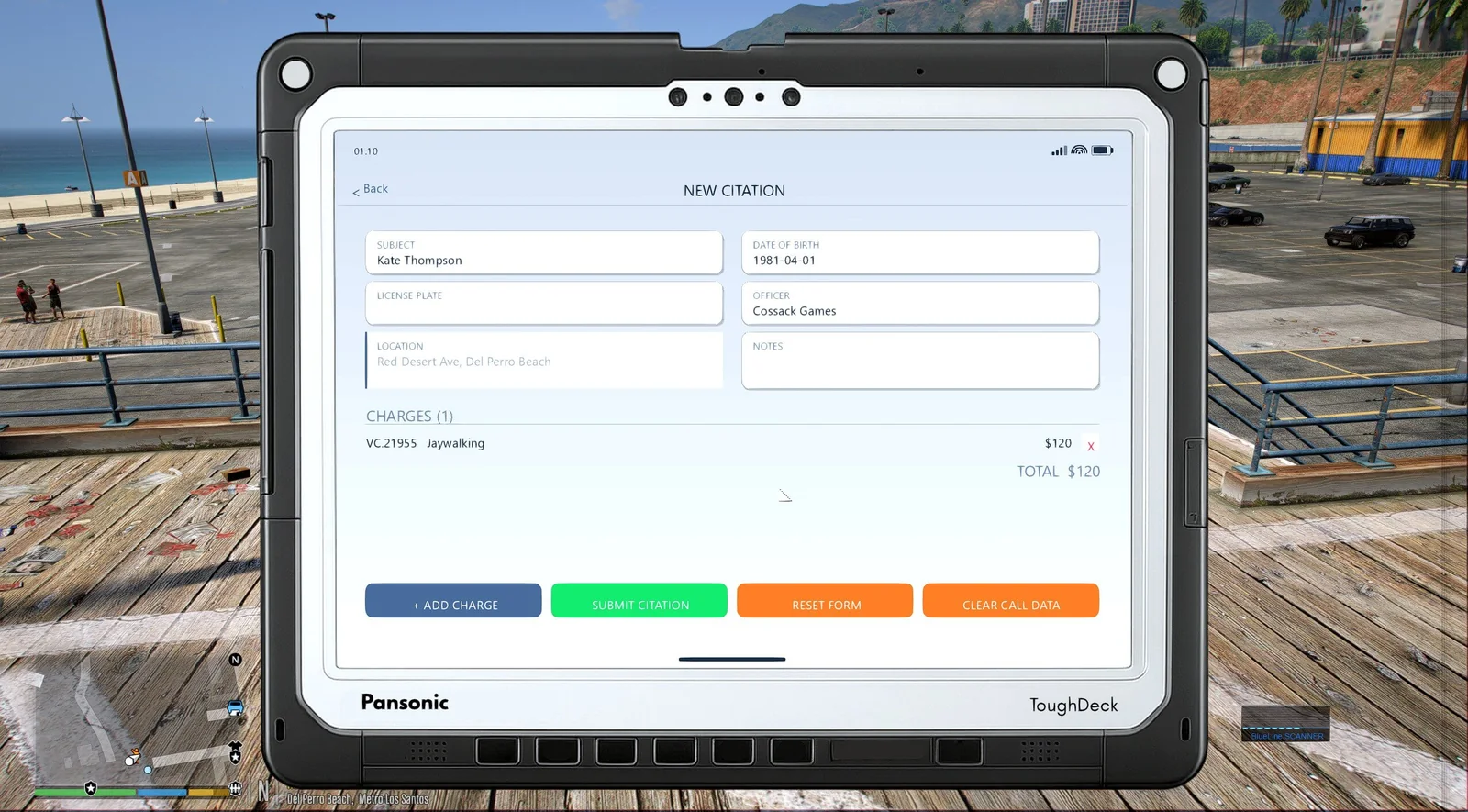
The desktop opens while you are stopped in a police vehicle. Step out and the field tablet keeps people, vehicles, and citation work within reach. Mouse, keyboard, and controller all work.
During a stop
A plate check can feed a citation. A search can feed an arrest report. Filed paperwork shows up in history and court.
Radio checks, shown IDs, searches, plate checks, and callout details are added to the current call as they happen.
Pick the subject and vehicle, attach any relevant evidence, choose charges from your own catalogs, and check the document before filing.
Filed citations, arrests, reports, and court cases are saved. BOLOs stay active, and printed documents remain in history.
pdComp uses either PR/CDF or Stop The Ped for records, then connects to Callout Interface and NPCAI when they are available.
Charge converter
Have a custom list of charges or citations? The converter turns it into the JSON format pdComp expects, right in your browser.
Developer API · Coming in v0.4.0
The API lets another LSPDFR plugin read pdComp state, react to BOLO changes, filed paperwork, and court results, trigger citation handoffs, or add its own desktop and tablet pages.
View the API docsusing pdComp.API;
// Subscribe once when your plugin loads.
PdCompApi.BoloChanged += OnBoloChanged;
RecordsApi.PaperworkFiled += OnFiled;
// Call writes from an RPH game fiber.
bool added = PdCompApi.TryAddSceneActivity(
"Witness interviewed",
"Statement taken at scene",
"MyPlugin");Requires GTA V Legacy · LSPDFR 0.4.9 · RAGE Plugin Hook · Policing Redefined/CDF or Stop The Ped